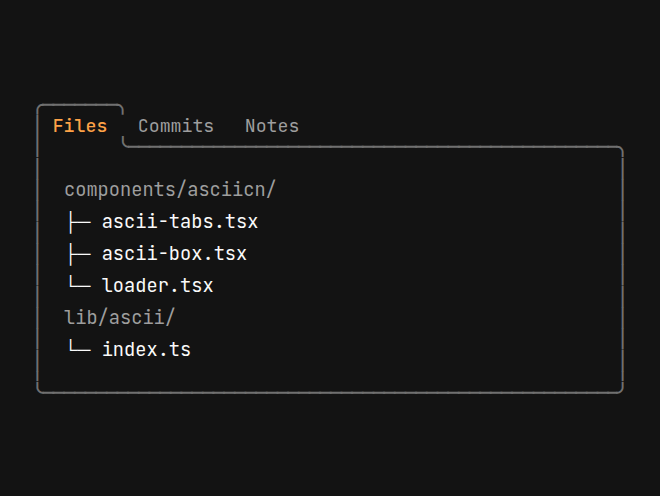
Each component and background installs as plain source into components/asciicn/. Drop one into your page as it is, read its source to see how it's made, or point your agent at one and ask for a variation. For anything not here, ask your agent or write your own. To try looks before you install, open the Studio.
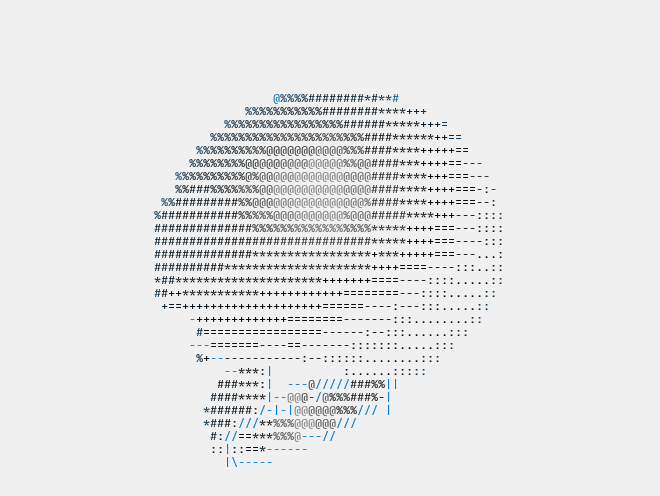
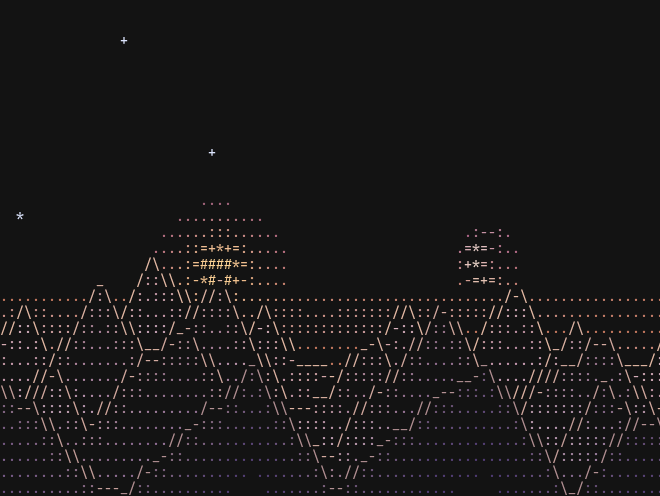
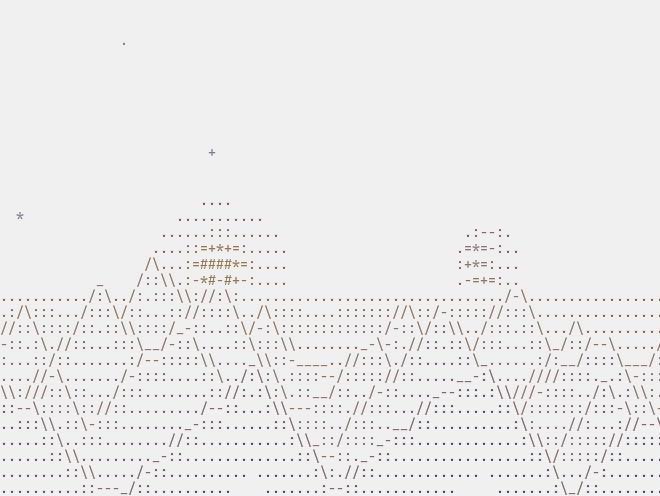
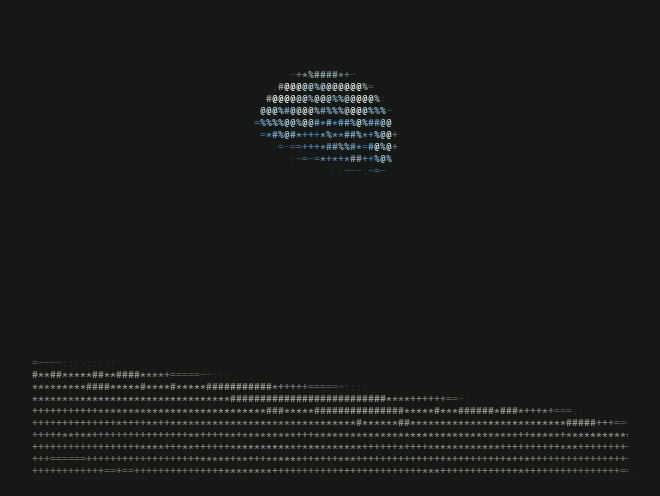
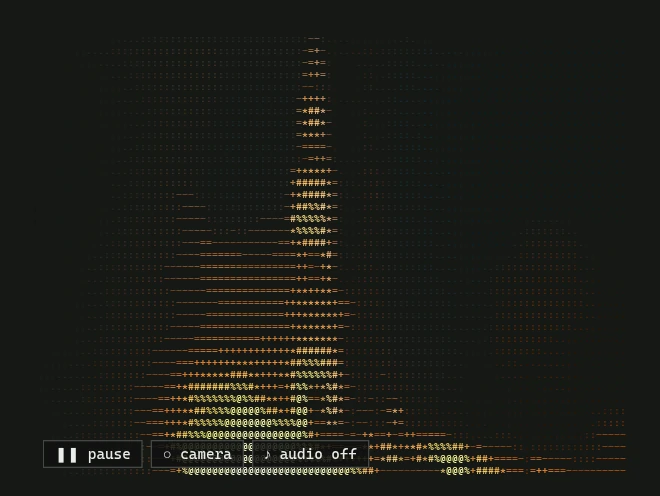
City skylines
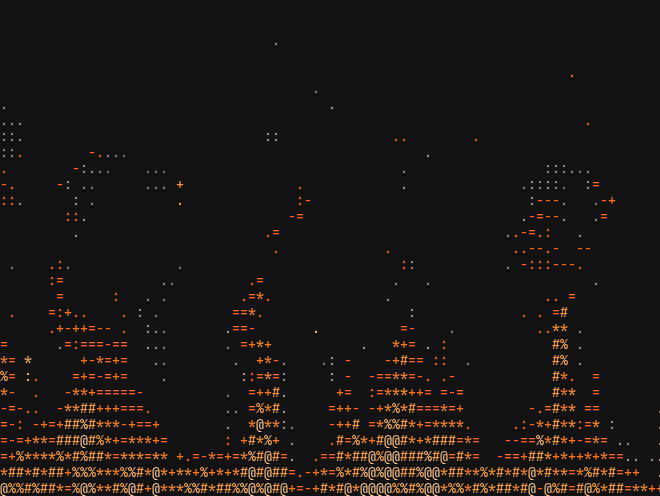
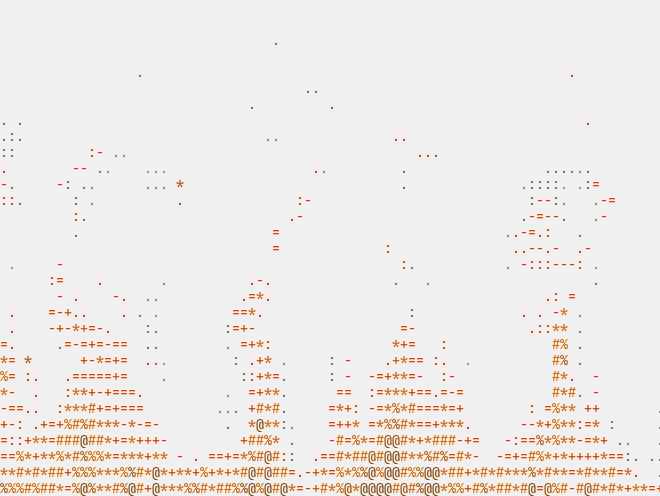
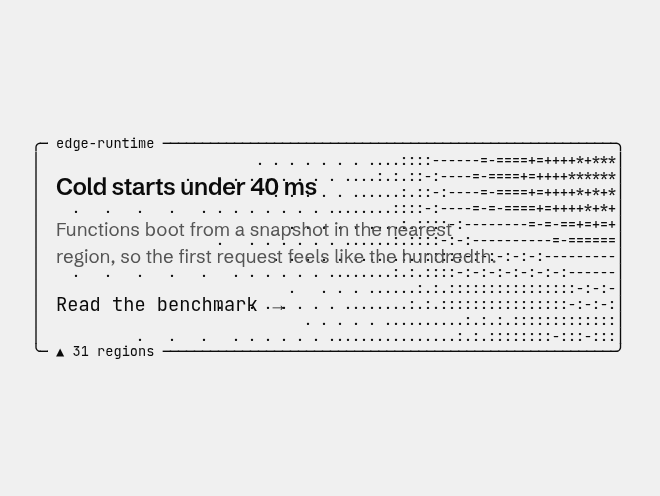
10Animated ASCII skylines of ten cities, each one component you put behind a hero.


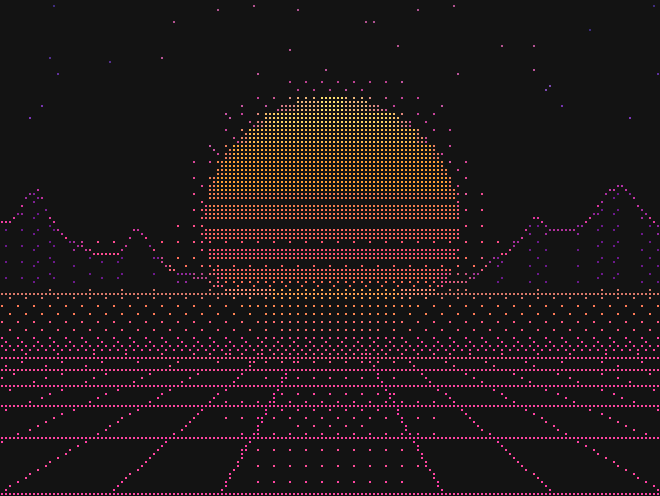
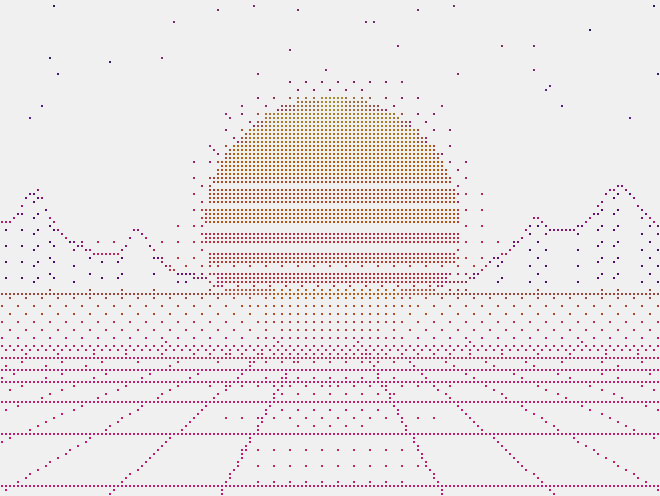
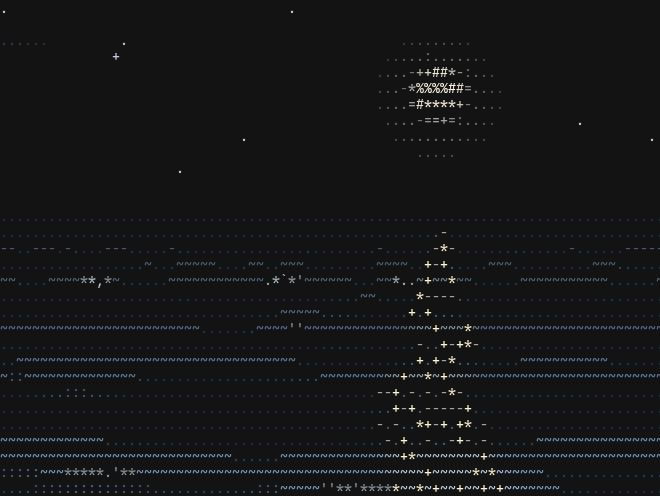
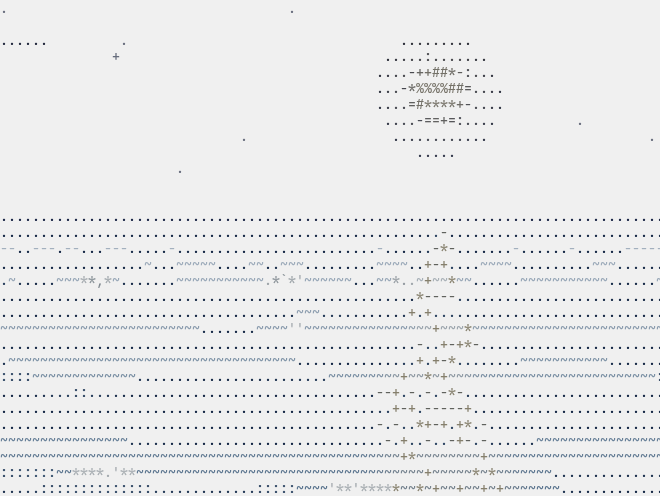
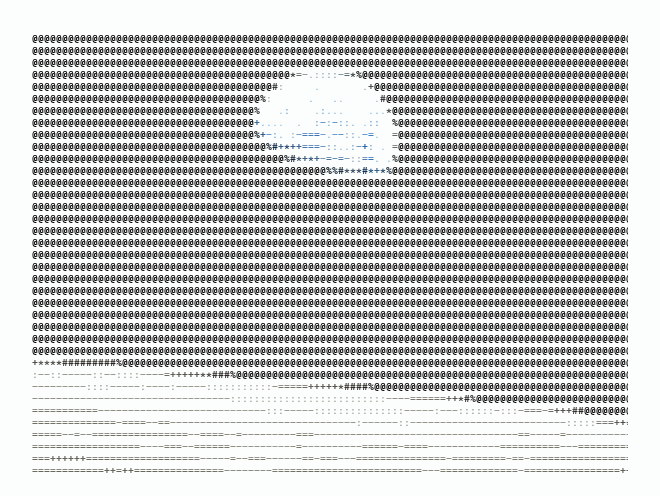
Landscapes
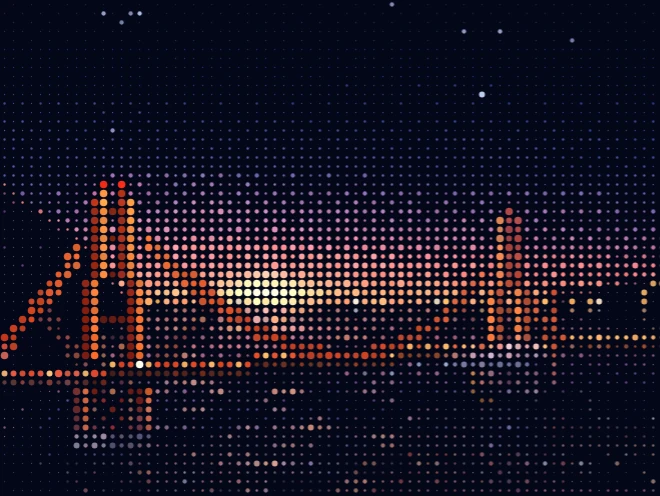
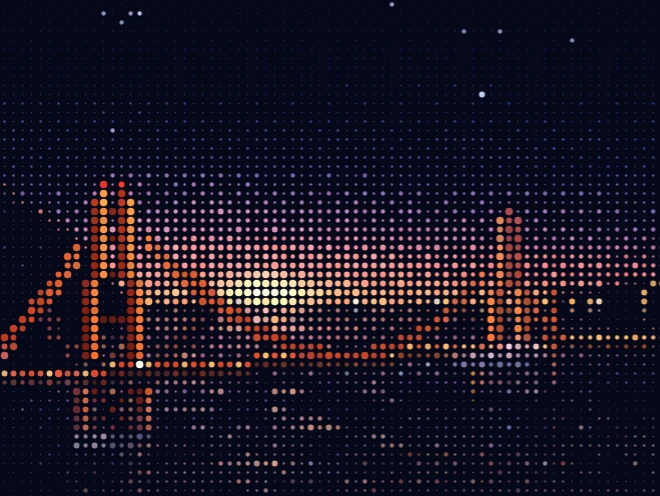
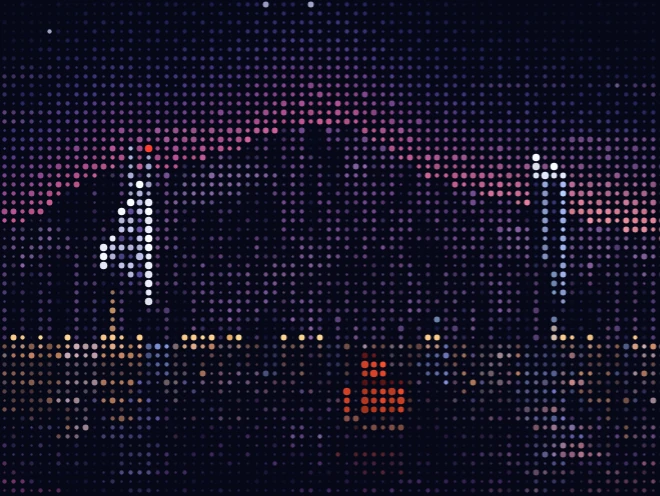
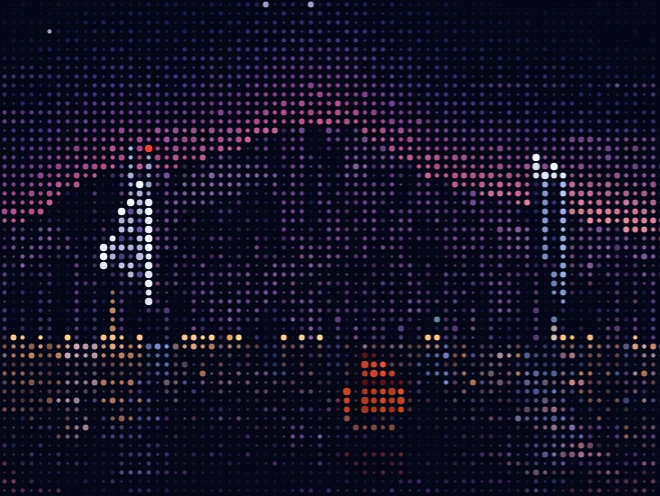
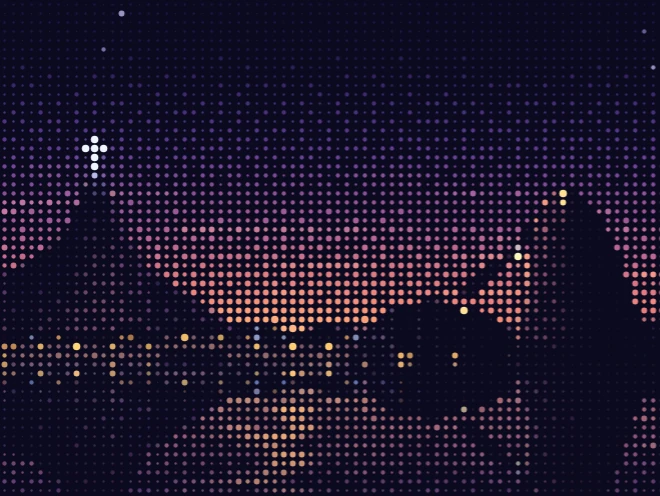
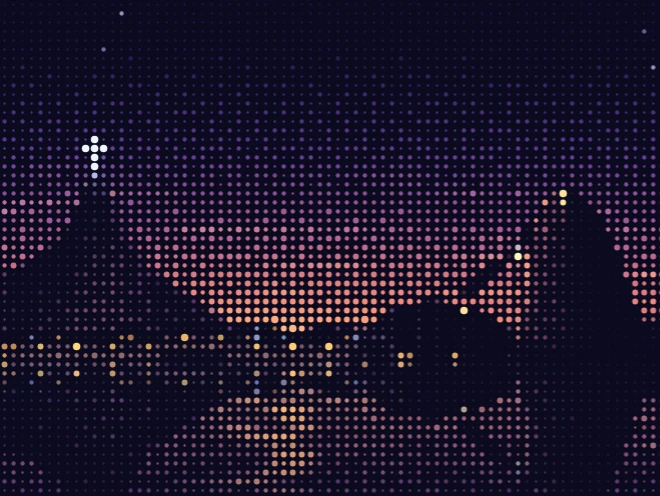
6Painted halftone landscapes in glyph dots, each one component you put behind a hero.
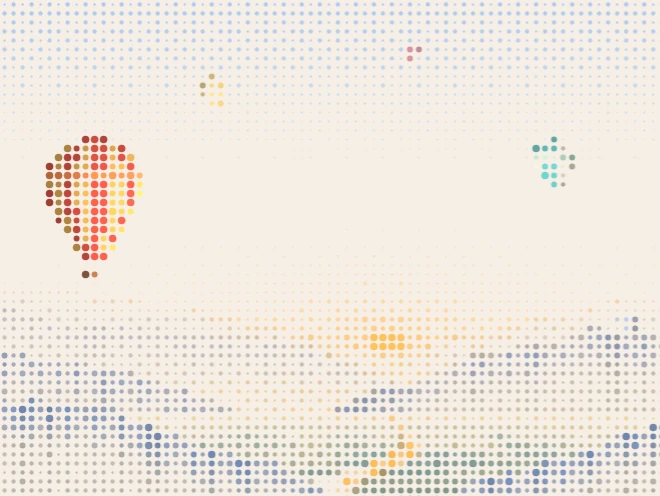
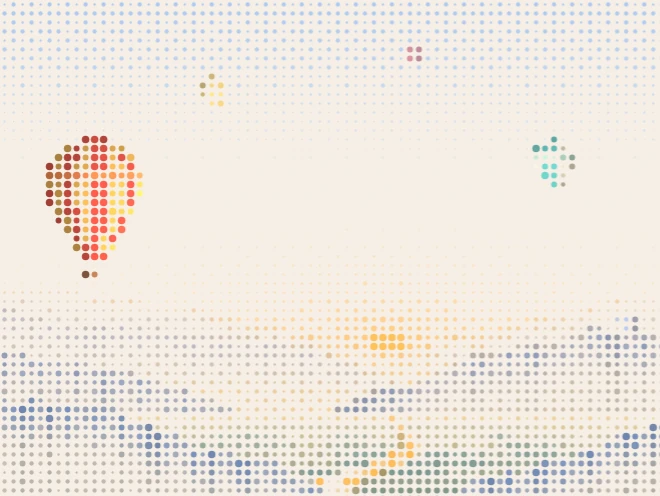
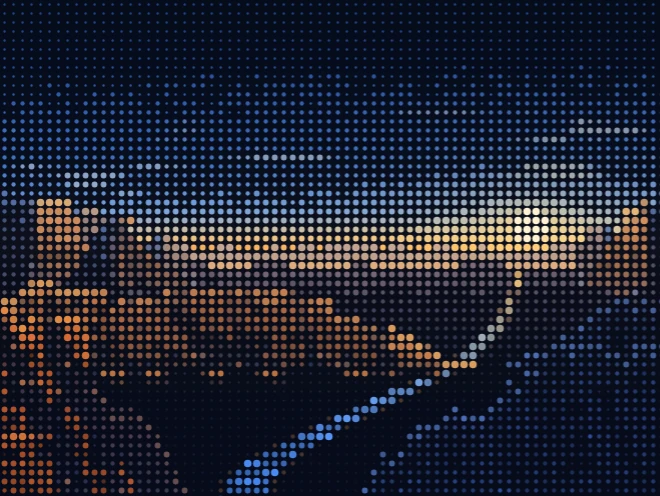

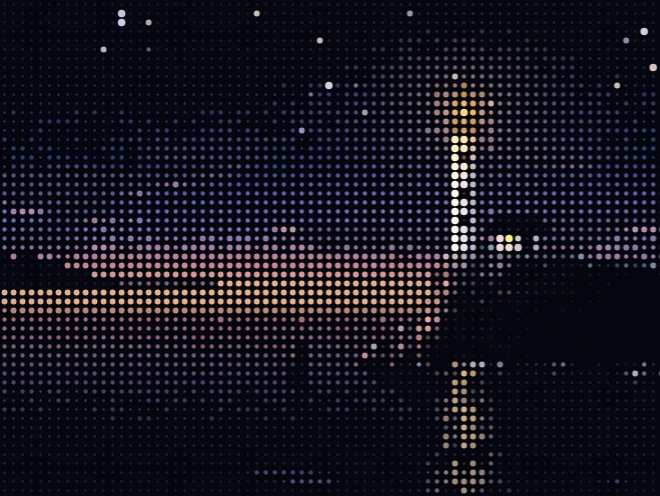
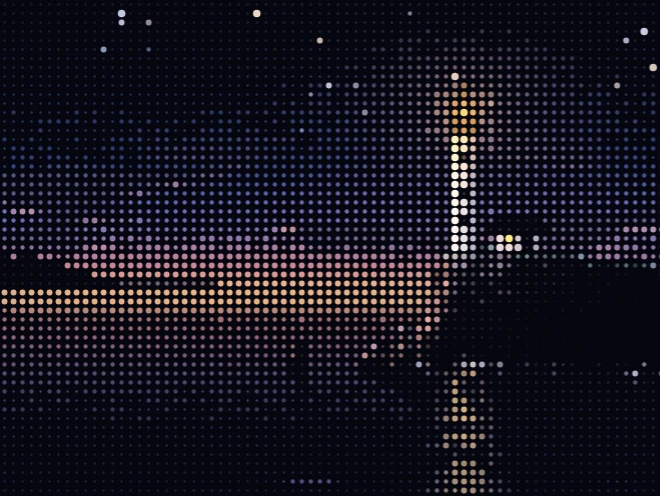


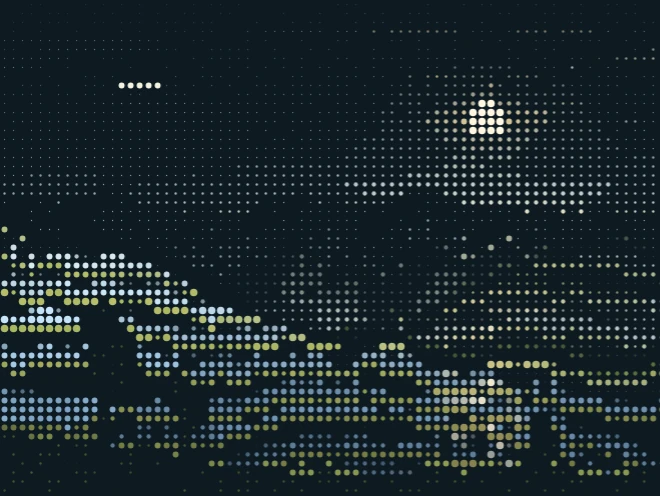
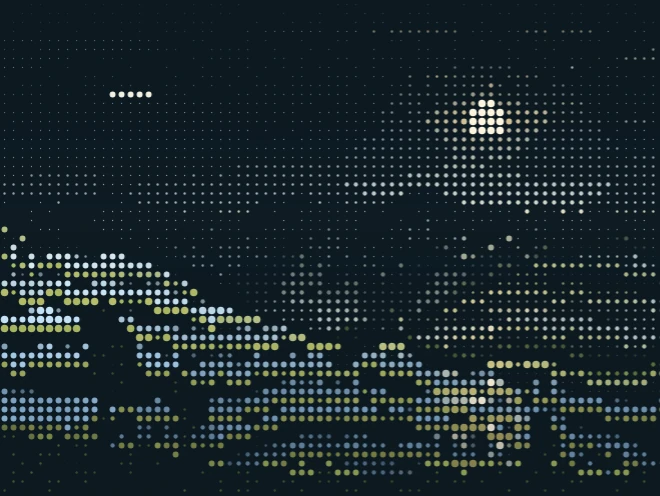
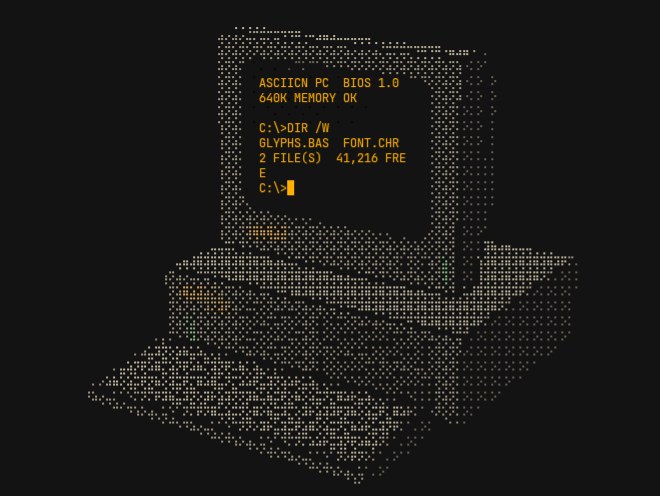
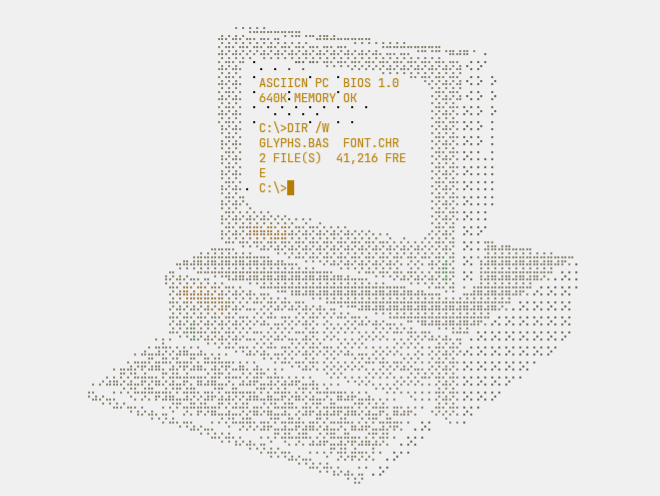
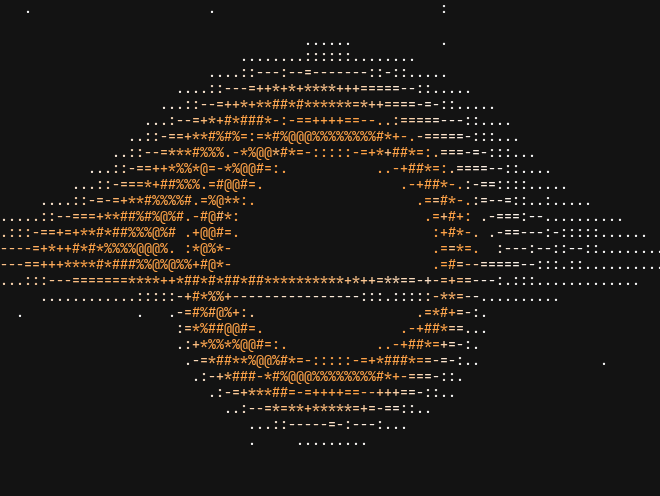
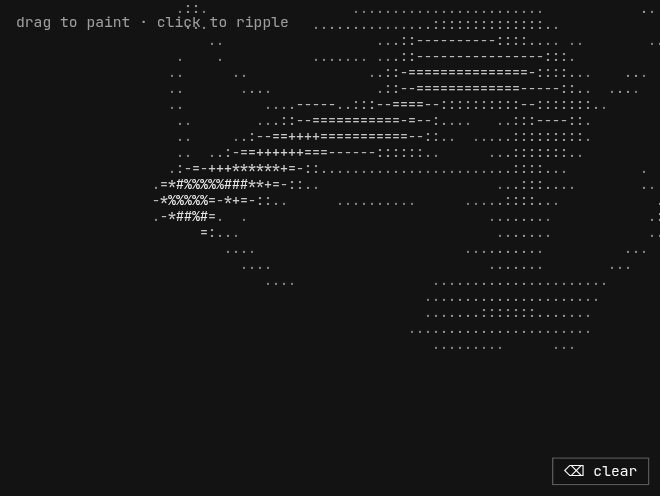
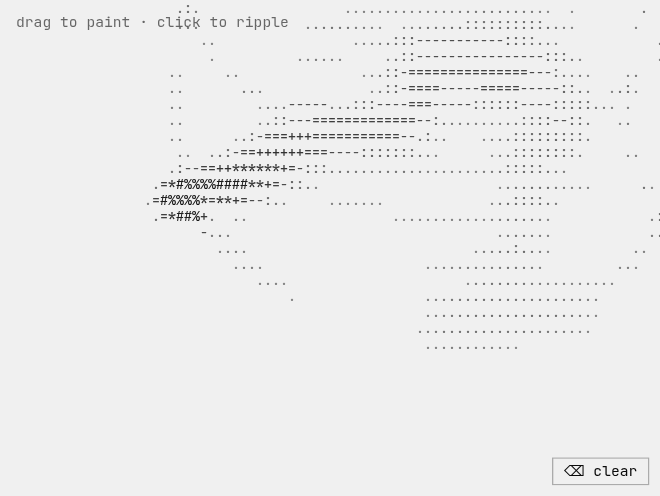
3D & scenes
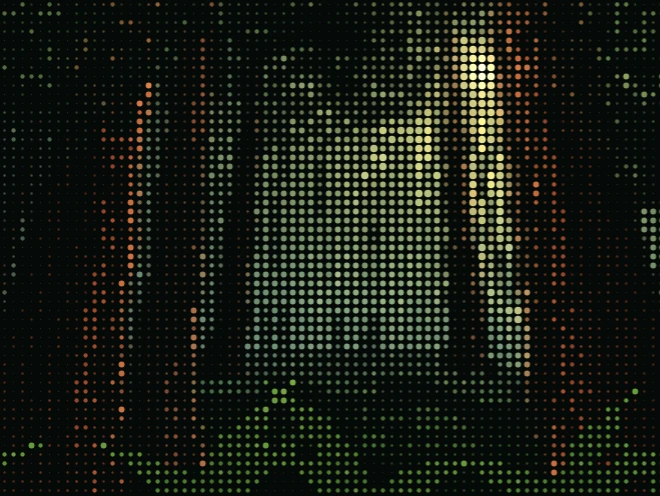
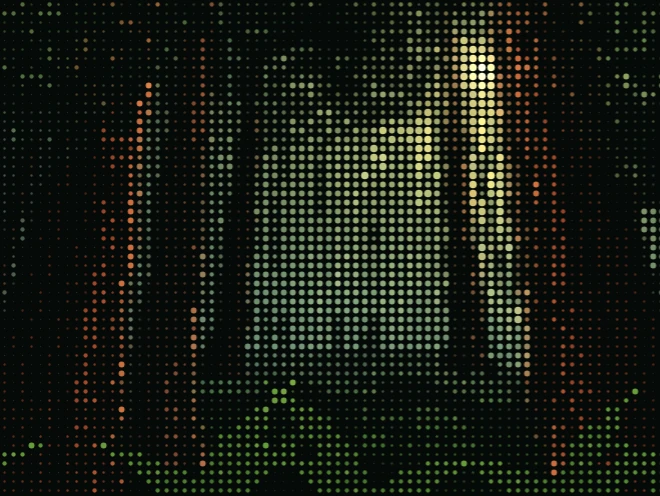
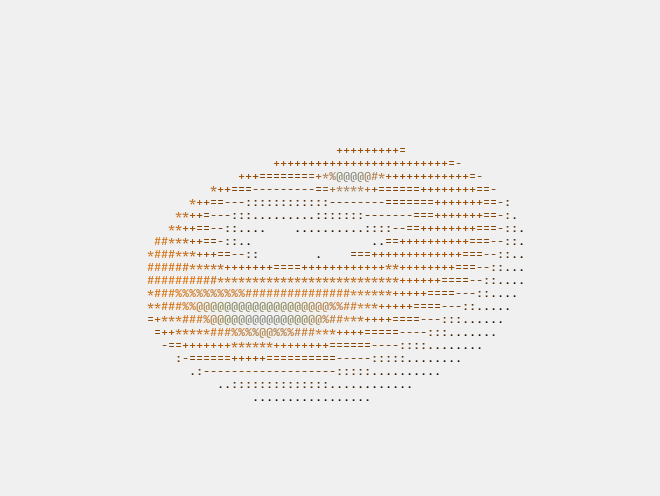
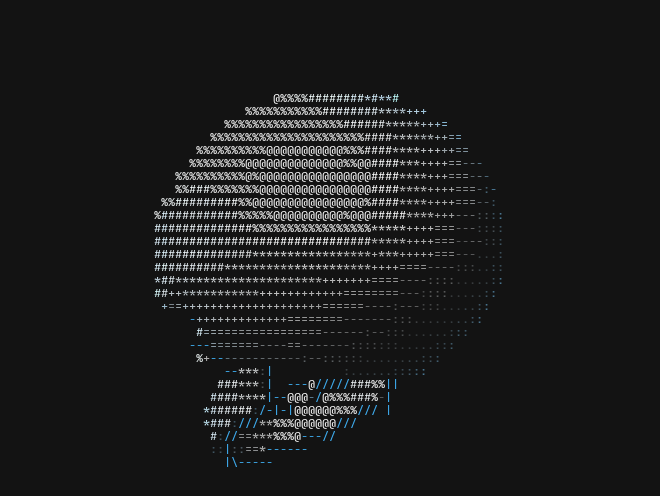
11Real-time 3D objects and animated scenes drawn in glyphs.
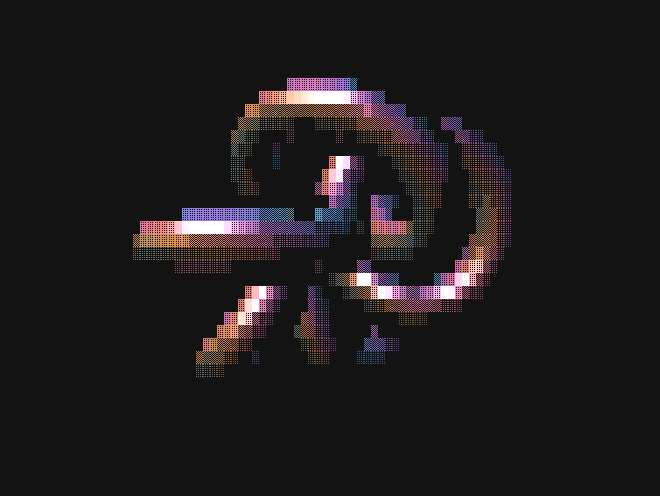
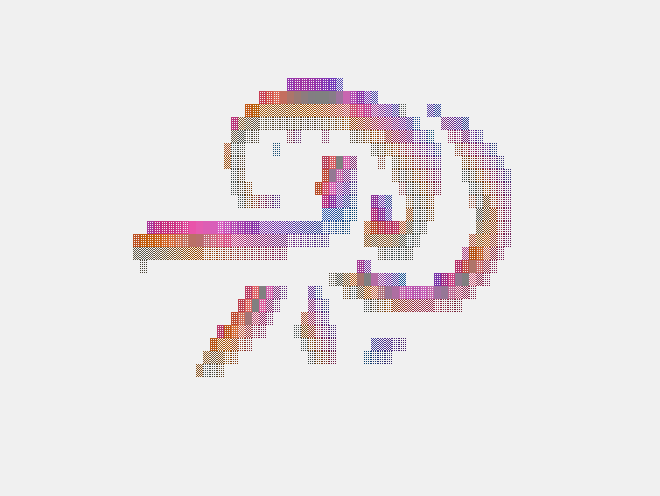
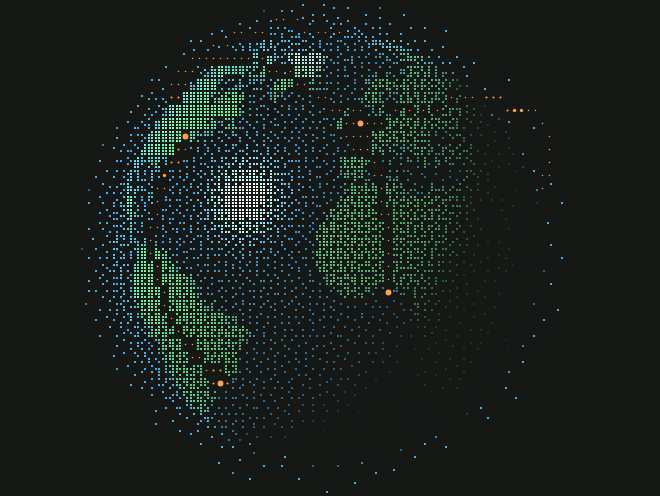
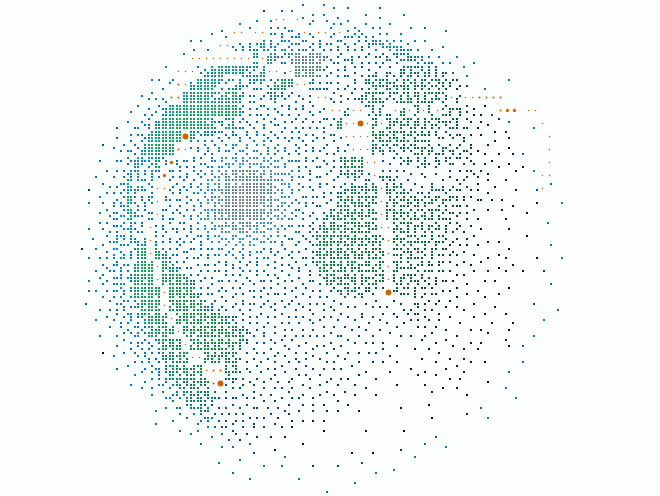
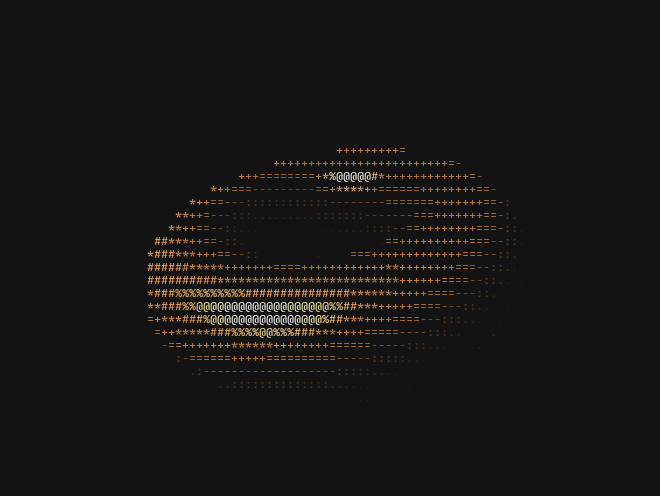
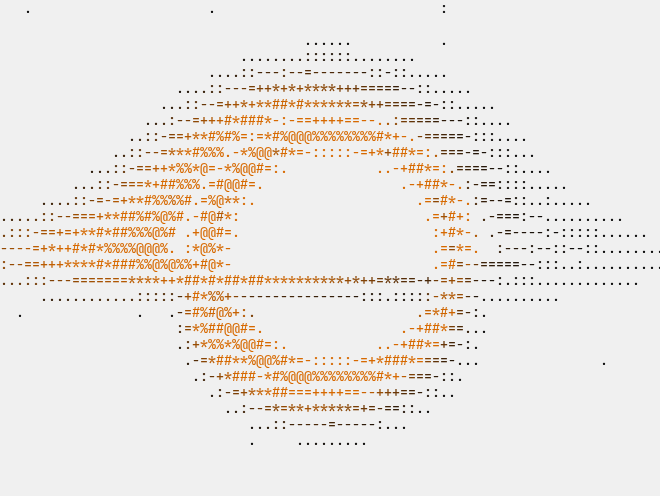
Shaders & fields
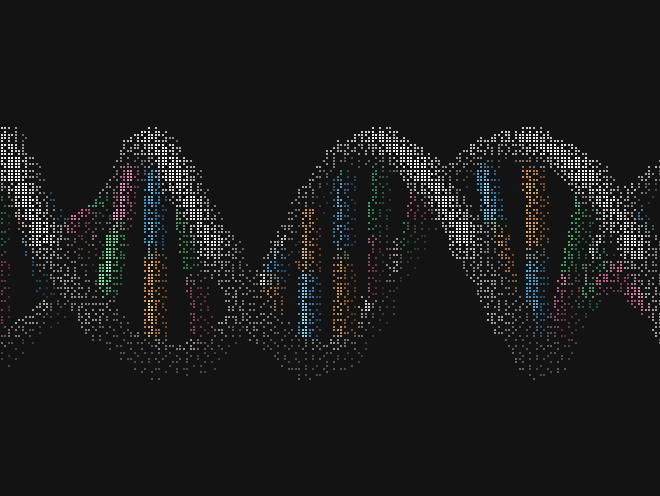
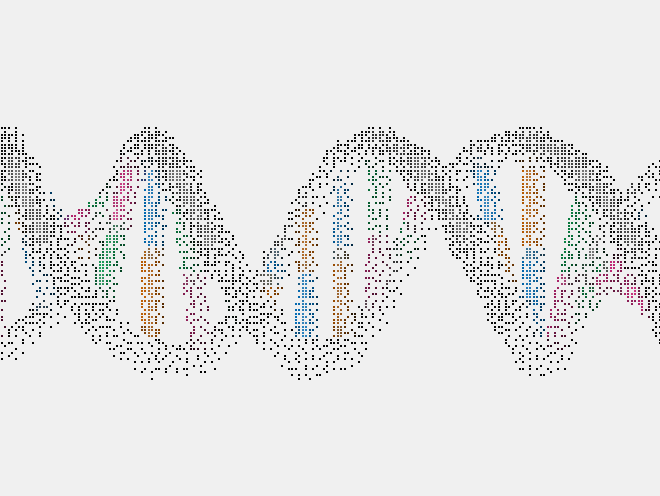
6Seeded glyph fields that run on the GPU, for heroes, sections and cards.
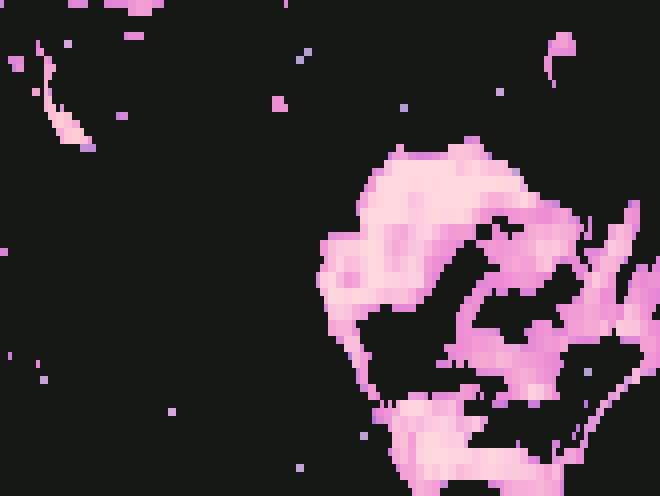
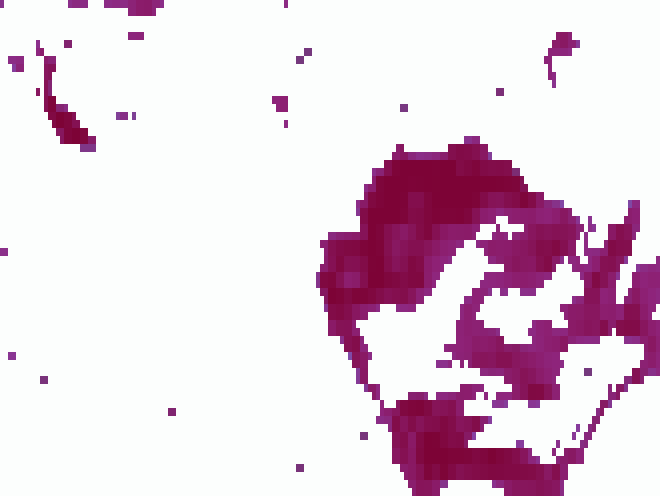
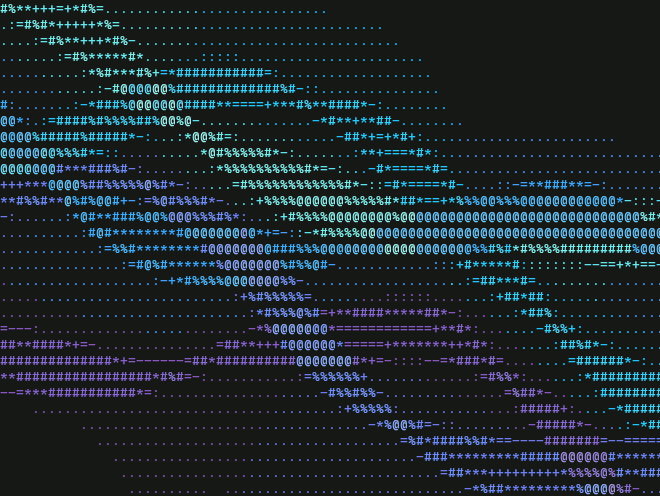
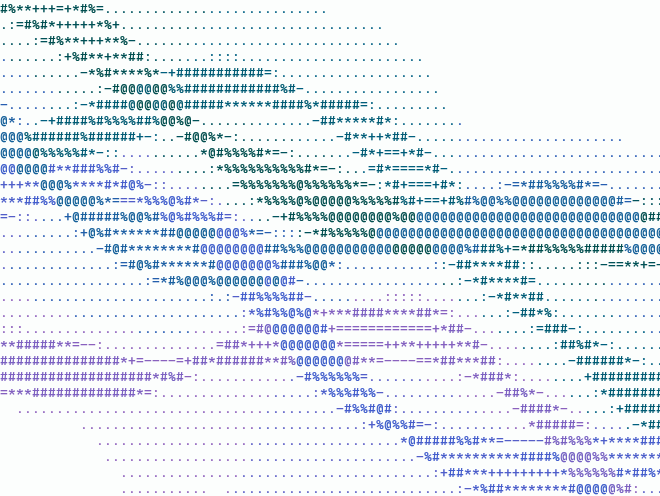
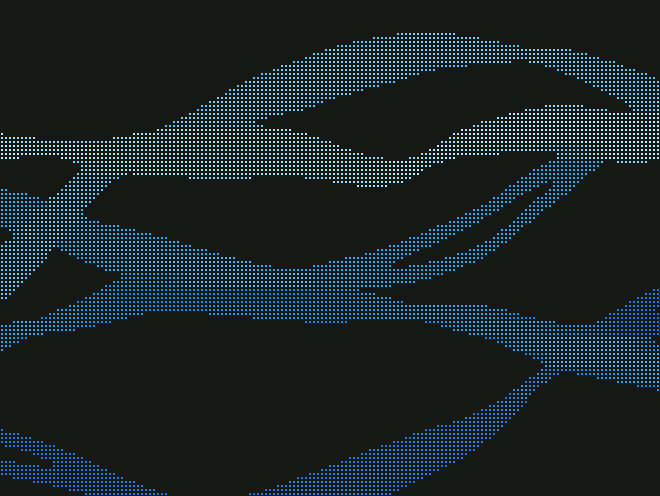

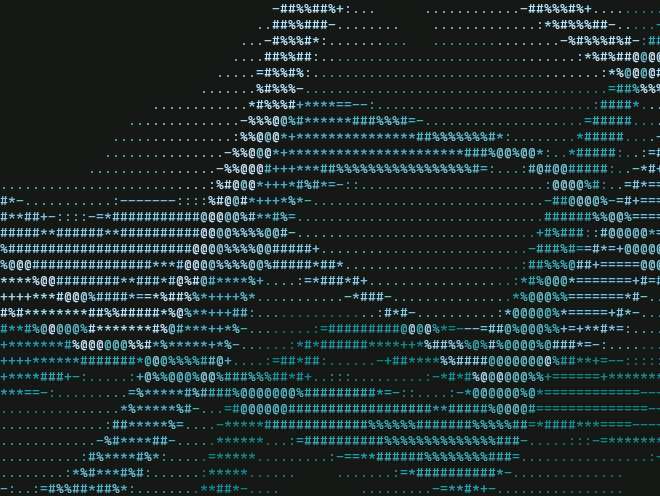
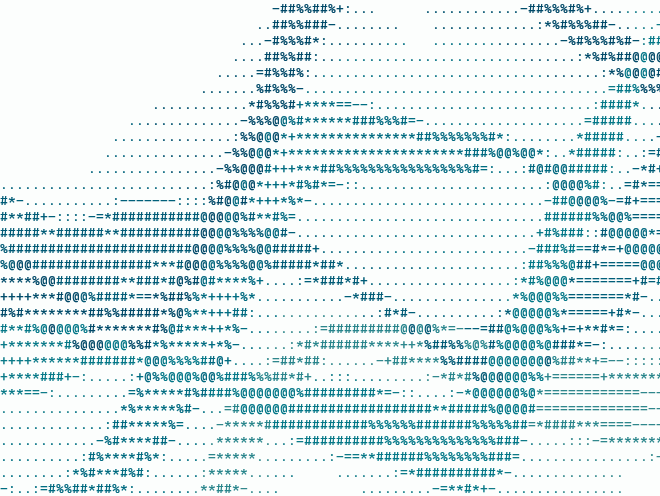
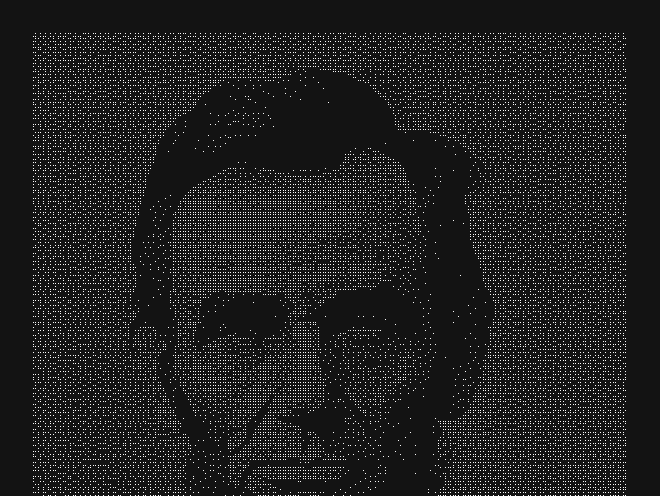
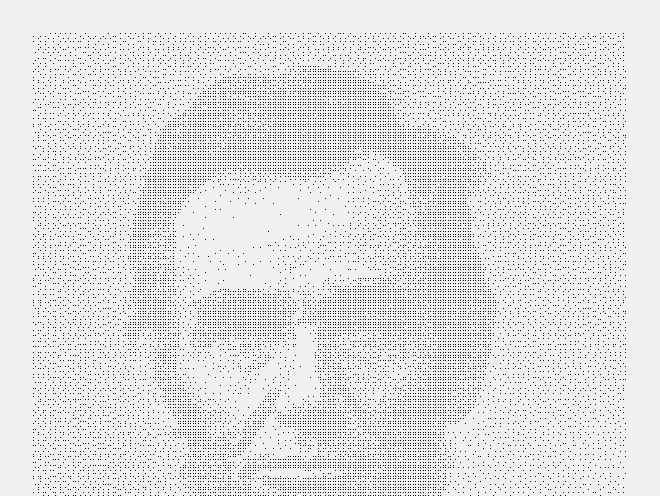
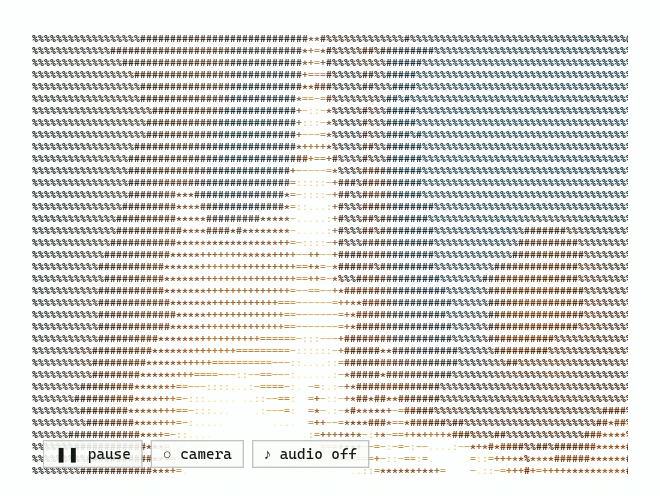
Media & filters
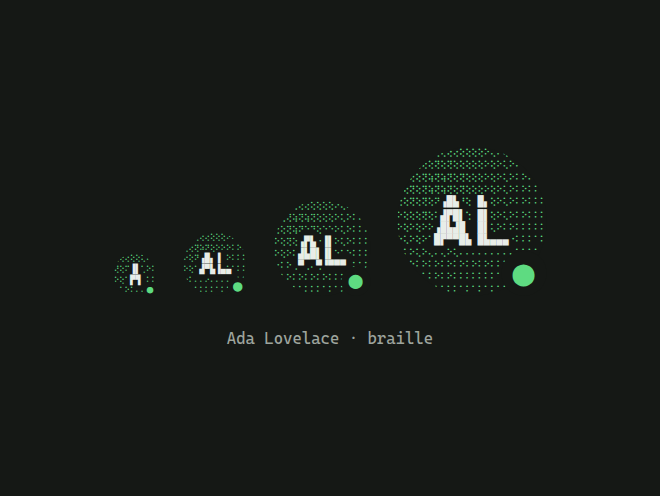
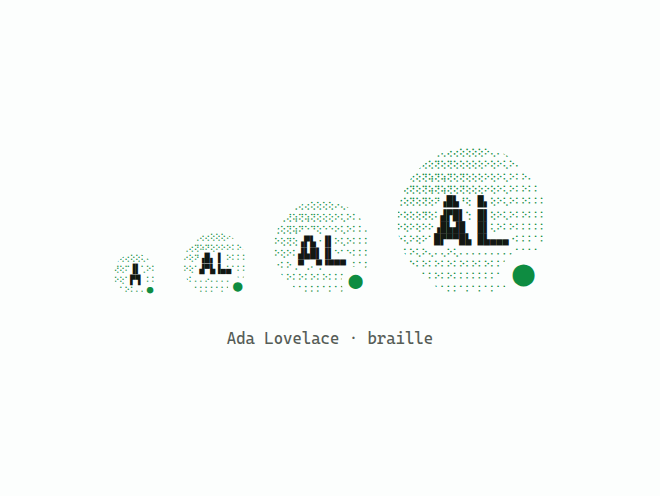
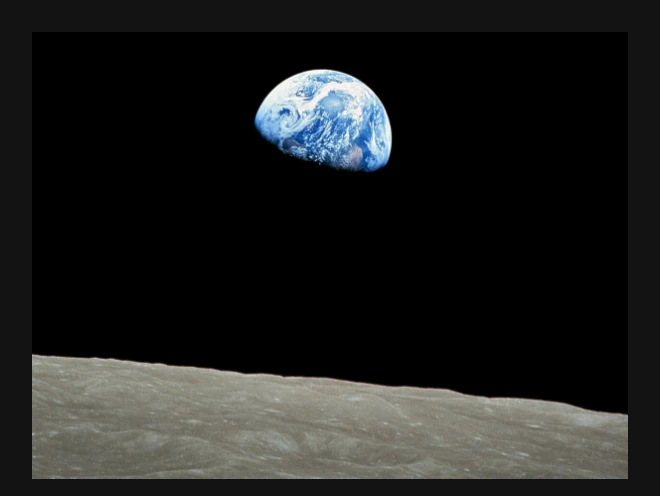
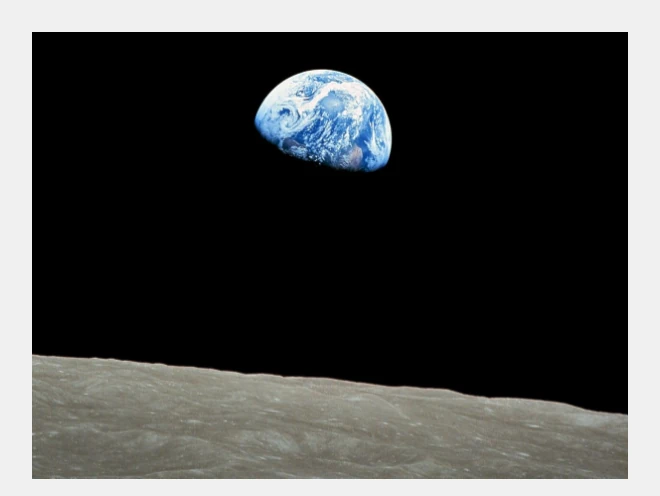
7Turn images, video and logos into ASCII.


Text & typography
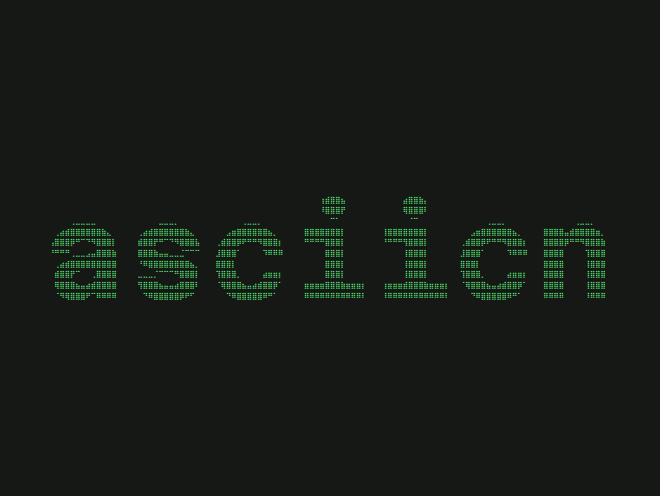
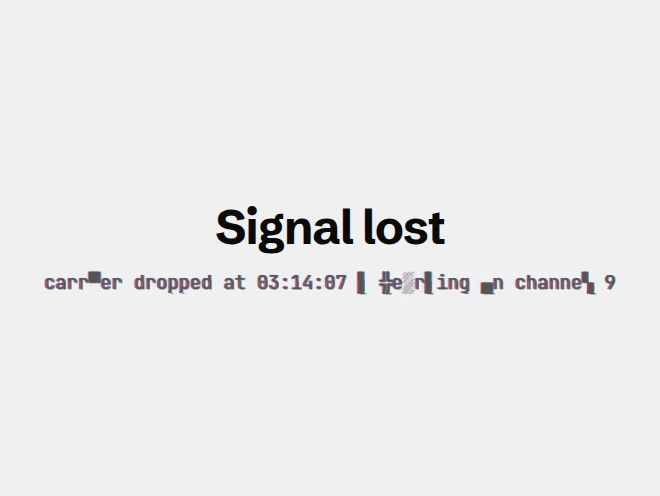
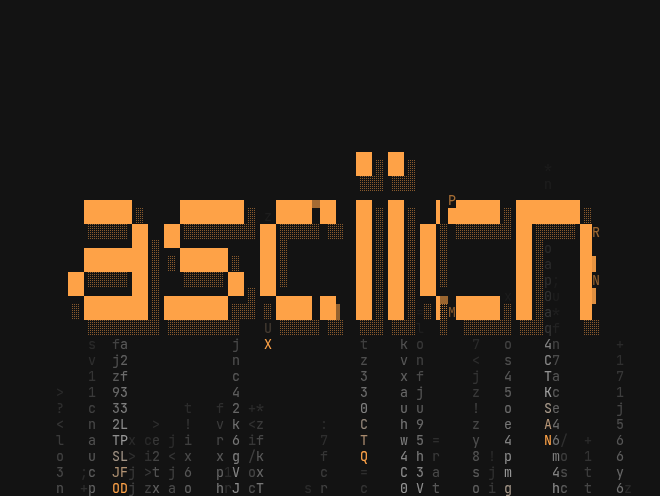
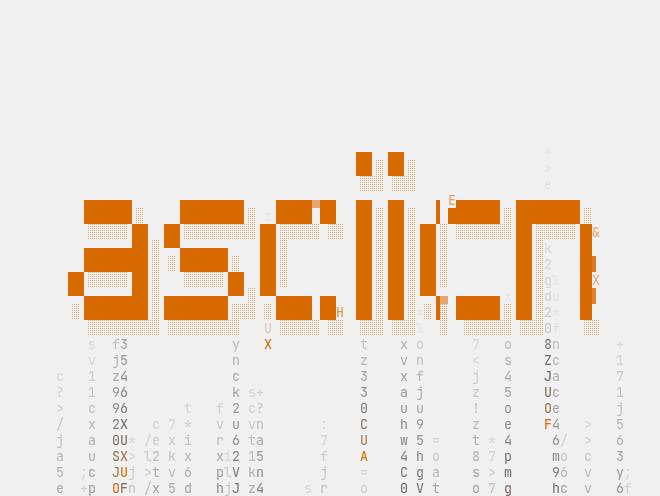
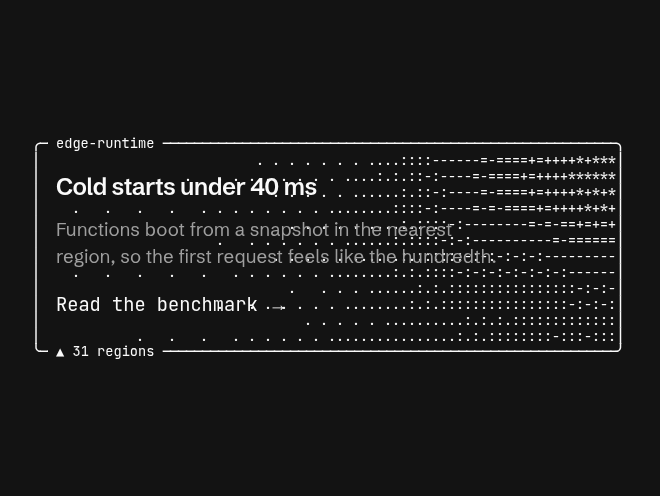
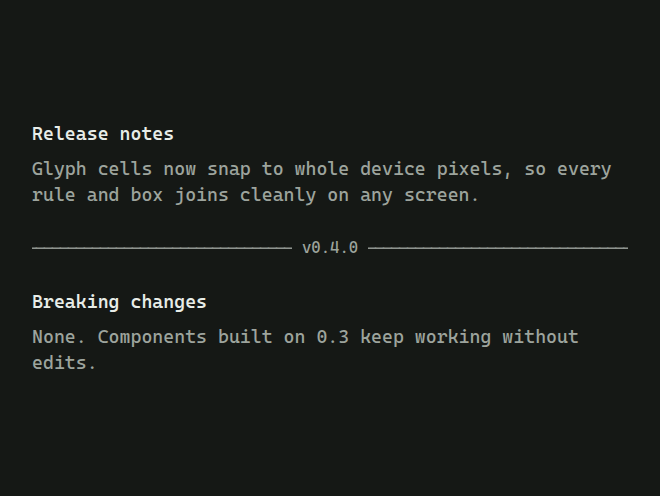
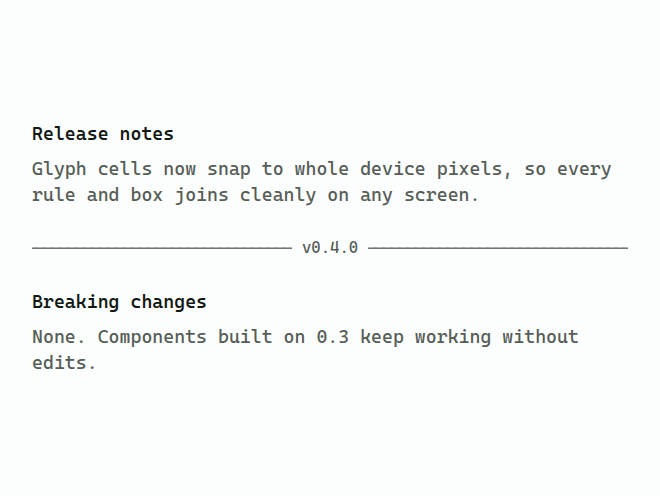
7Display type set in glyphs: banners, scrambles, glitches, typewriters and tickers.

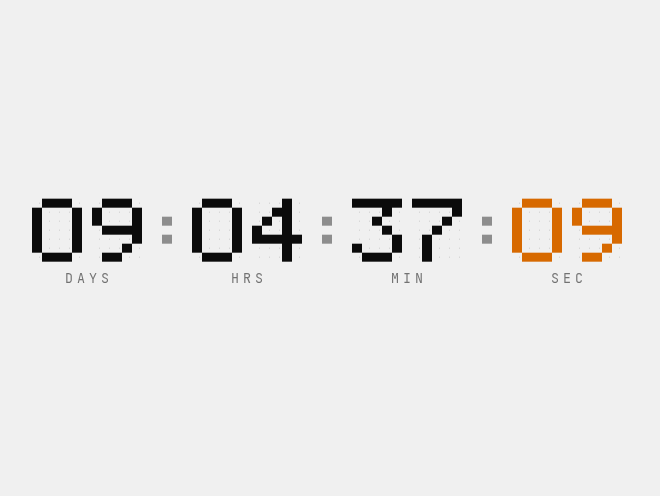
Terminal & UI
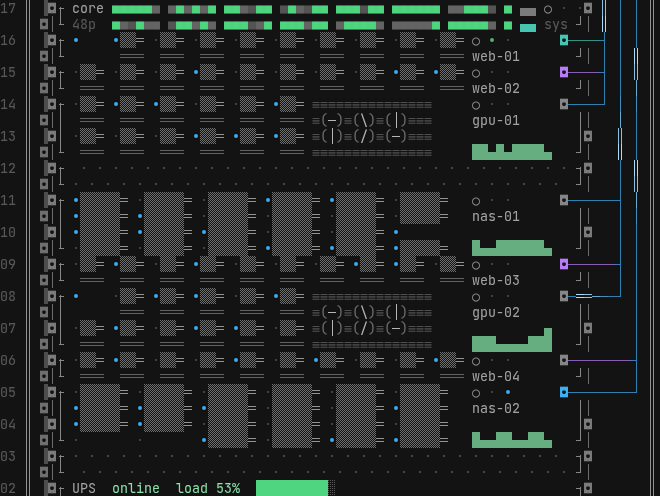
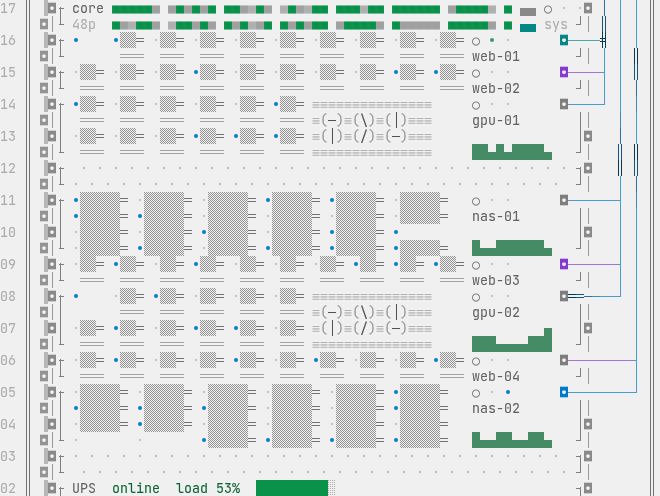
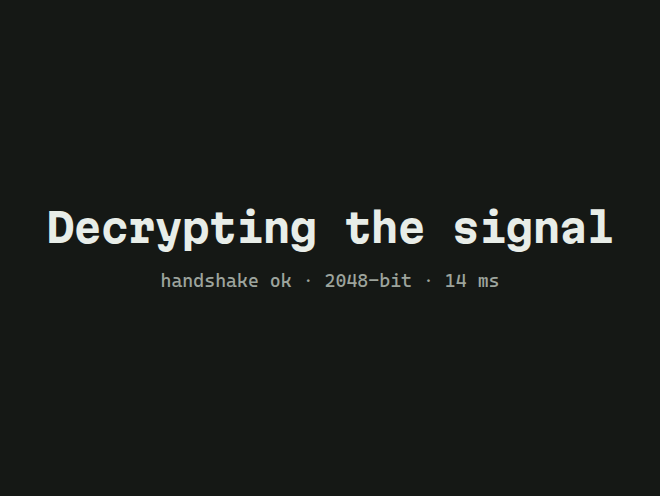
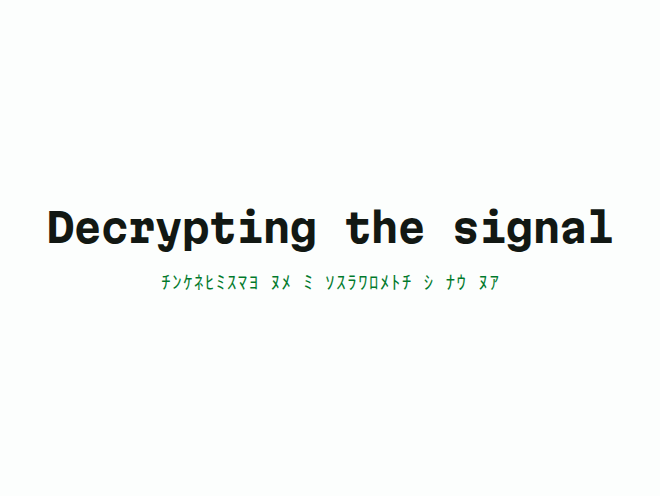
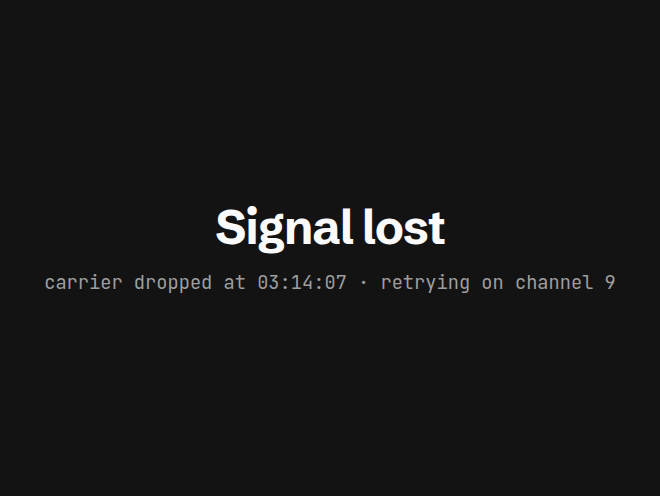
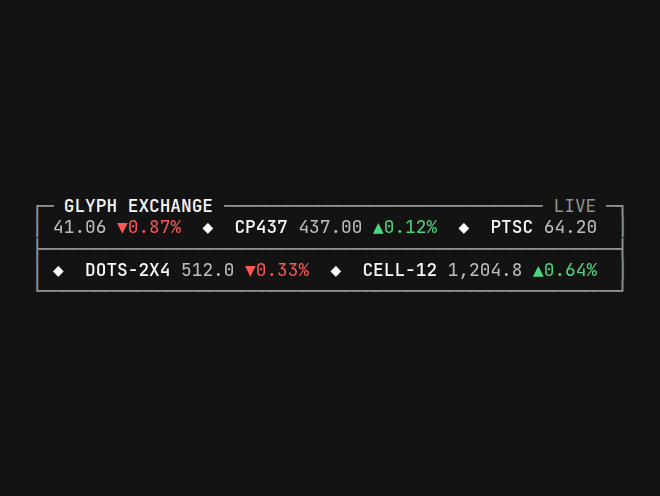
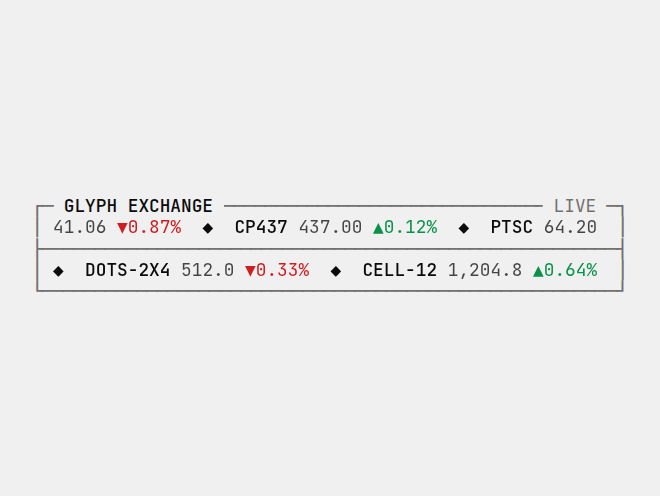
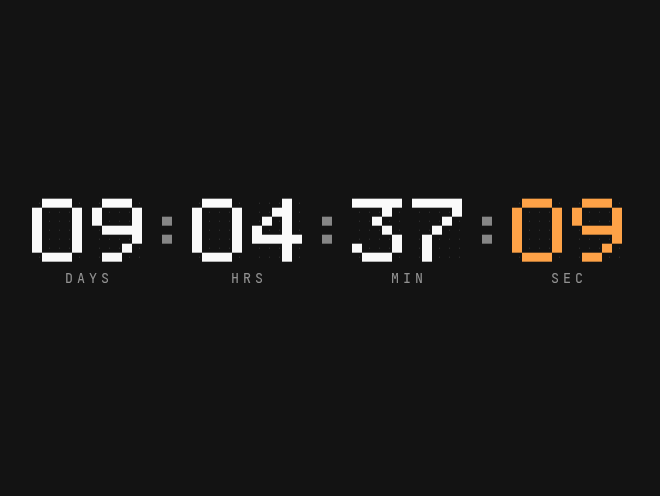
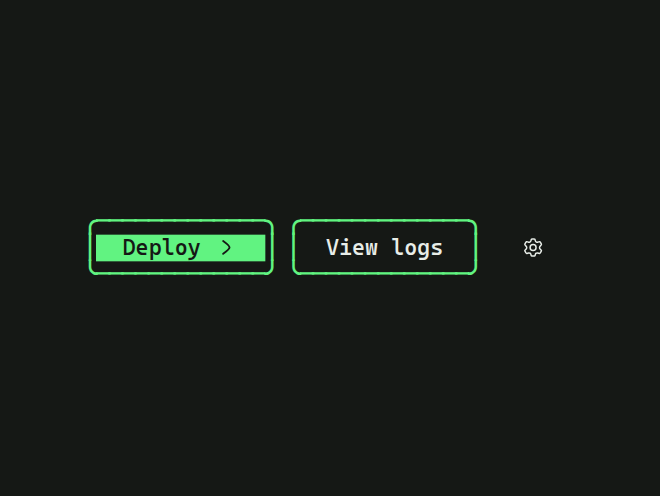
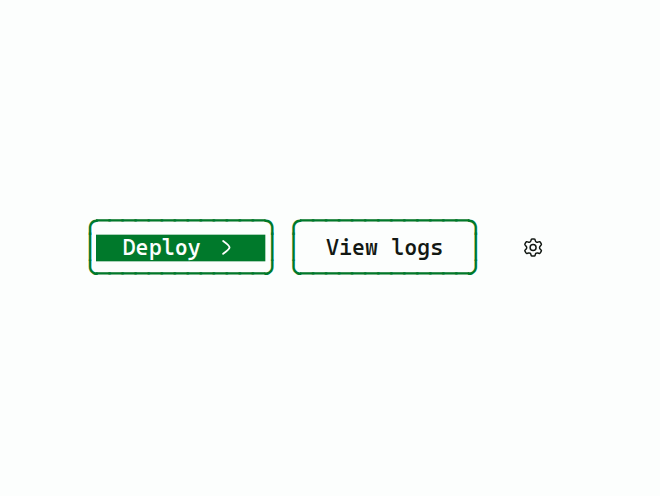
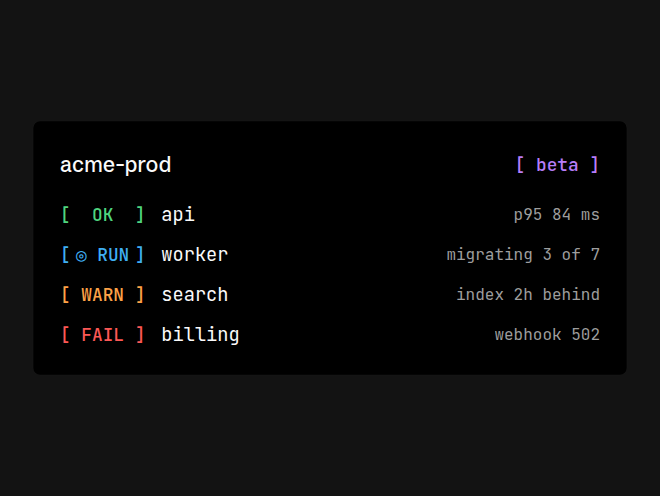
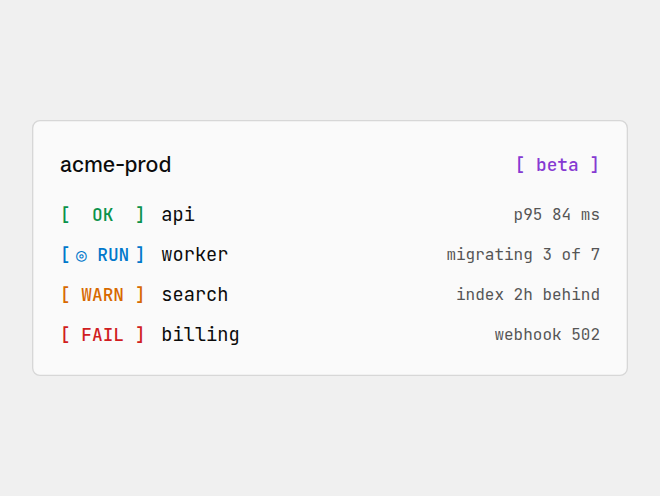
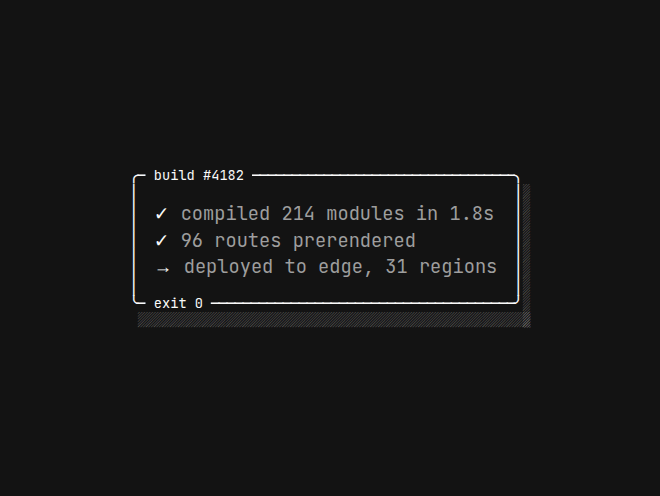
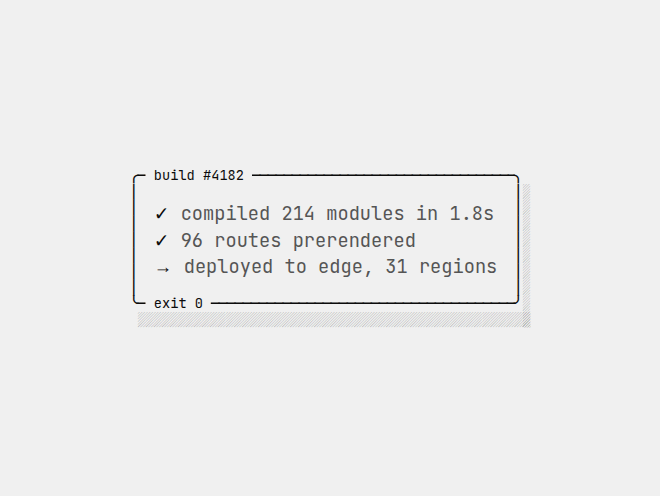
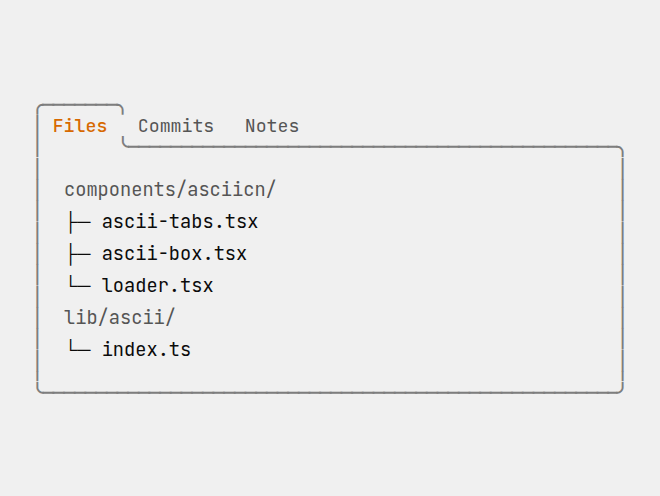
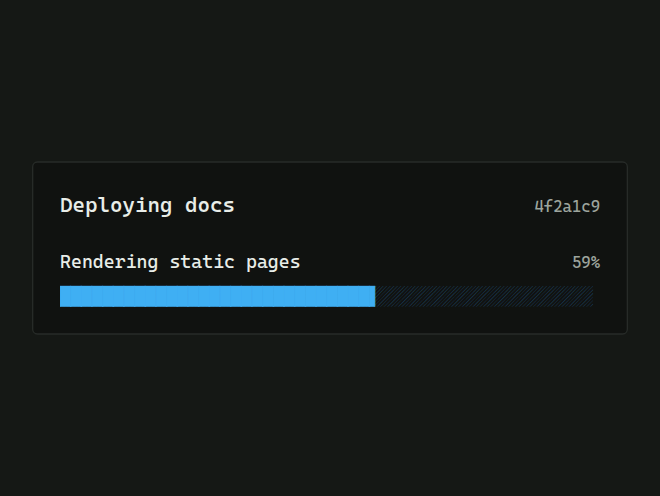
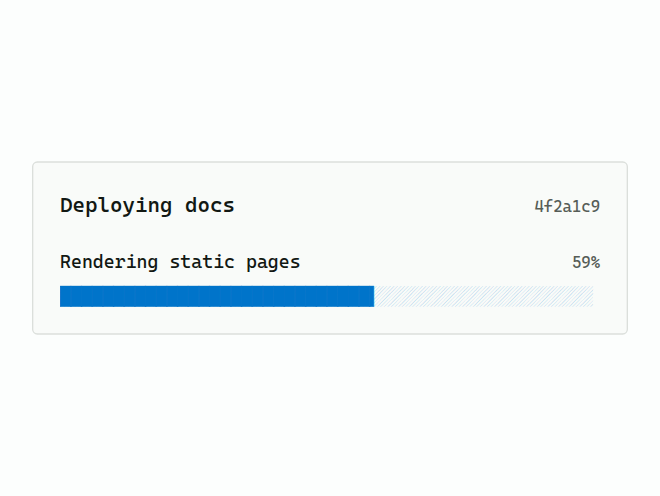
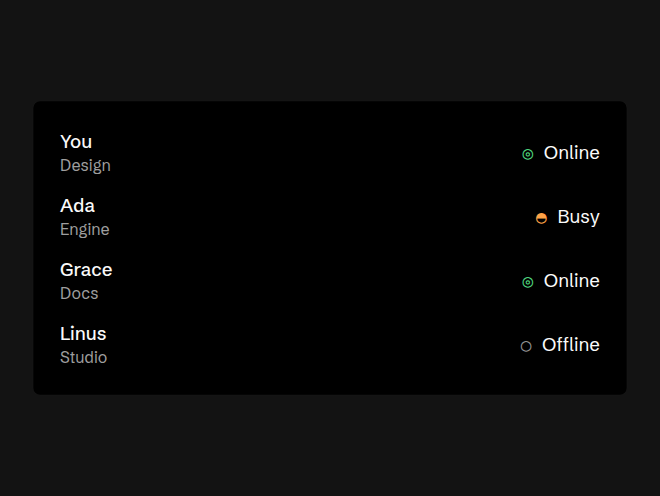
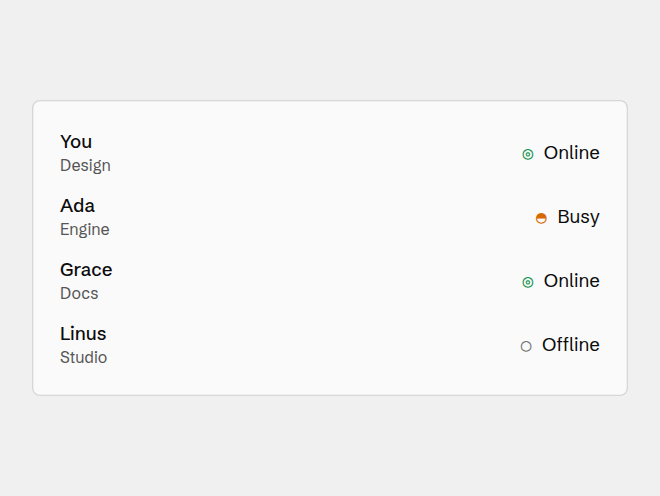
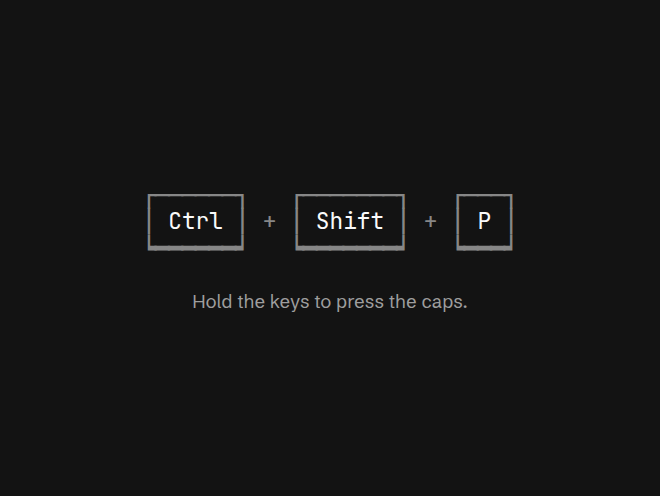
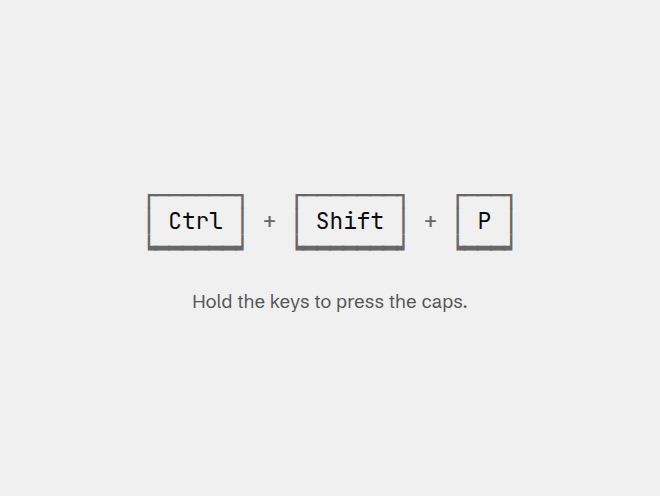
15Terminal-grade interface pieces: frames, buttons, loaders and status, in real text.
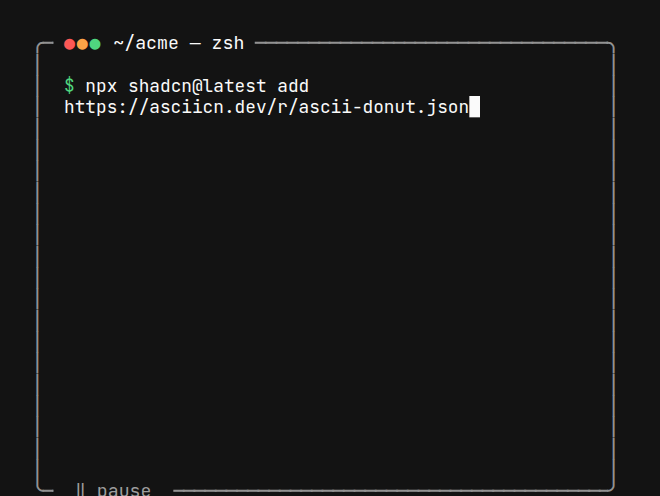
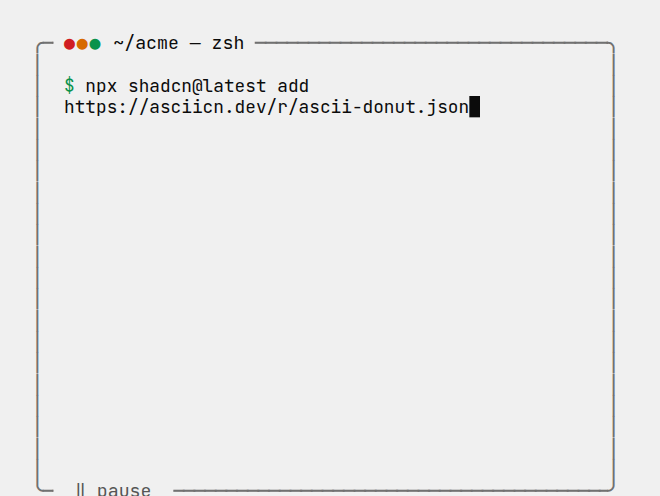
Using a component
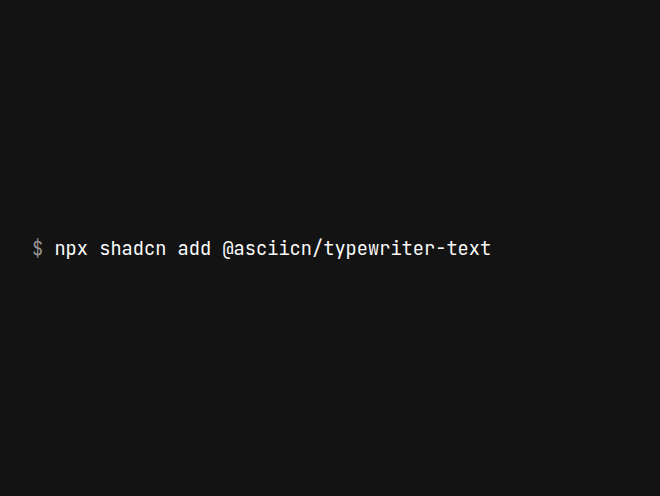
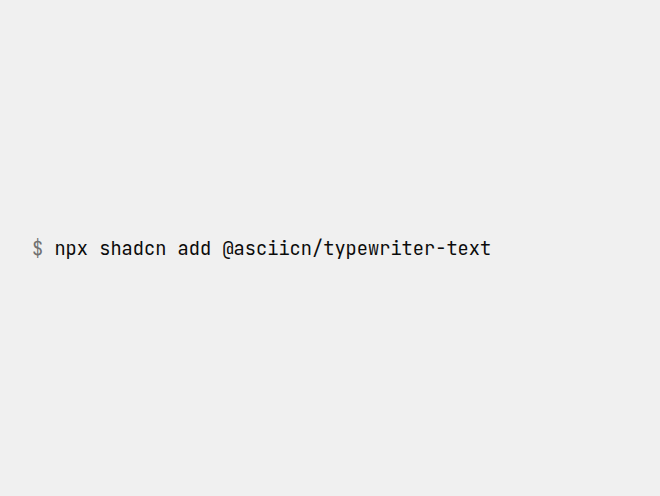
Install any component by name. It brings the parts of the engine it needs the first time:
Backgrounds fill the box you give them. Put one behind your content with absolute inset-0:
import { Nebula } from "@/components/asciicn/nebula";
export function Hero() {
return (
<section className="relative isolate min-h-[480px]">
<Nebula charset="braille" className="absolute inset-0 -z-10" />
<h1>Your headline</h1>
</section>
);
}Components that draw on the engine share these look props:
Terminal and UI pieces take a color from the named palette and their own content props. Each page lists every prop.